4 Years in Software Engineering: What Actually Makes Code Production-Ready
Lessons I learned after four years of building production software—covering reliability, maintainability, debugging, architecture, reviews, and real-world engineering trade-offs.

Md. Ahanaf Tahmid Islam
Software Engineer L2 · EchoLogyx Limited
7 min read
1,364 words
October 7, 2026
Software Engineering
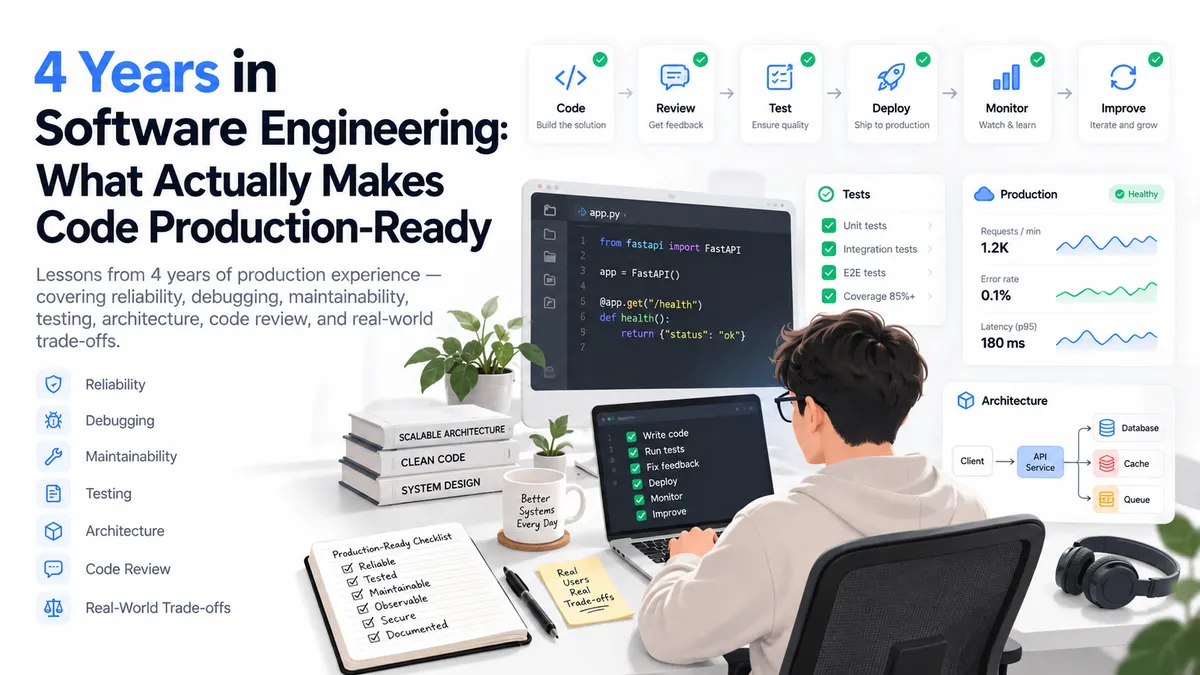
After roughly four years of working on production software, one of the biggest changes in how I think about engineering is this:
Working code and production-ready code are two very different things.
When I started, I mostly measured success by whether a feature worked.
If the button clicked, the API responded, the data appeared, and the ticket moved to done, the implementation felt complete.
Production experience changes that mindset.
Today, when I review my own work, I think about questions like:
- What happens when the API fails?
- What happens when the data is incomplete?
- Can another developer understand this six months later?
- Can we safely change this feature?
- What happens under unexpected user behavior?
- Is this implementation observable?
- Are we solving the actual problem or only the happy path?
That difference is what separates code that simply works from code that survives production.
1. The Happy Path Is Only the Beginning
A feature may work perfectly during development:
User clicks button
        ↓
API succeeds
        ↓
UI updates
        ↓
Done
Production is rarely that clean.
The real flow looks more like:
User clicks button
        ↓
Is the request valid?
        ↓
Is the network available?
        ↓
Does the API return the expected shape?
        ↓
Is the user still authorized?
        ↓
Did another request already change the data?
        ↓
Can the operation be retried safely?
        ↓
How should the UI behave if something fails?
This is why production engineering is largely about handling uncertainty.
2. Assume External Data Can Be Wrong
One lesson I learned quickly is:
Never assume external data is always perfect.
An API may unexpectedly return:
{
  "status": null,
  "data": []
}
when your frontend expects:
{
  "status": "completed",
  "data": [...]
}
This does not mean the frontend should start inventing backend business rules.
But it should protect itself at system boundaries.
For example:
function normalizeUser(data: ApiUser): User {
  return {
    id: data.id,
    name: data.name ?? 'Unknown User',
    status: data.status ?? 'inactive',
  };
}
Now the rest of the application consumes a predictable structure.
This is much better than scattering checks like this throughout components:
data?.user?.profile?.name ?? ''
Boundary normalization keeps uncertainty in one place.
3. Error Handling Is Part of the Feature
Early in my career, I often treated error handling as something to add after finishing the feature.
That approach does not scale.
For every important request, I now think in at least four states:
Idle
Loading
Success
Failure
Sometimes there are additional states:
Empty
Expired
Unauthorized
Offline
Retrying
Partially Available
For example:
if (isLoading) {
  return <Skeleton />;
}

if (error) {
  return <ErrorState onRetry={refetch} />;
}

if (!data.length) {
  return <EmptyState />;
}

return <ResultList data={data} />;
These states are not edge cases.
They are part of the user experience.
4. Keep Business Logic Away From UI Components
A production component becomes difficult to maintain when it is responsible for everything.
Consider:
function BillingPage() {
  // fetch subscription
  // calculate discount
  // check expiration
  // cancel subscription
  // show toast
  // update storage
  // navigate user
  // render UI
}
That component has too many reasons to change.
I prefer separating the responsibilities.
UI Component
     ↓
Feature Hook
     ↓
Business Logic
     ↓
API Service
For example:
const {
  subscription,
  cancelSubscription,
  isCancelling,
} = useSubscription();
The component should mostly care about presentation:
<SubscriptionCard
  subscription={subscription}
  onCancel={cancelSubscription}
  loading={isCancelling}
/>
This makes both debugging and testing easier.
5. Readability Beats Cleverness
Developers naturally enjoy elegant code.
But clever code is not automatically good code.
Consider:
const x = a?.filter(Boolean).reduce(
  (p, c) => ({
    ...p,
    [c.id]: c.v ?? 0,
  }),
  {}
);
It might be technically correct.
But six months later, another engineer may spend unnecessary time understanding it.
Compare it with:
const validItems = items.filter(Boolean);

const itemsById = validItems.reduce(
  (result, item) => {
    result[item.id] = item.value ?? 0;
    return result;
  },
  {}
);
A few extra lines are often worth the clarity.
Production code is read far more often than it is written.
6. Avoid Premature Abstraction
Another mistake I made earlier was trying to make everything reusable.
If two components looked slightly similar, I immediately wanted one generic component.
This often created abstractions like:
<DynamicCard
  type="billing"
  mode="compact"
  actionType="cancel"
  showStatus
  customHeader
  enableTracking
  variant="secondary"
/>
At that point the reusable component becomes harder to understand than two simple components.
I now prefer this rule:
Repeat a small pattern first. Abstract it only when the shared behavior becomes clear.
Duplication is sometimes temporary evidence.
It helps you discover the correct abstraction.
7. Separate Server State From UI State
Not all state belongs in the same place.
For example:
Current subscription
is server state.
Is the cancel modal open?
is UI state.
Selected tab
is UI state.
Current user profile
is usually server state.
Treating all these values as global state creates unnecessary complexity.
For server state, query libraries can manage:
Caching
Refetching
Loading
Errors
Invalidation
Synchronization
Local UI state can remain simple:
const [isOpen, setIsOpen] = useState(false);
The smallest correct state scope is usually the best one.
8. One Source of Truth Prevents Many Bugs
Imagine subscription information exists in:
API cache
Redux
localStorage
Component state
Now the system needs to synchronize four copies.
Eventually:
API says Active
Redux says Cancelled
localStorage says Trial
Component still displays Active
That kind of bug can be extremely frustrating.
I try to ask:
What system owns this value?
For example:
Server resource
→ API/query cache

UI modal state
→ Component

Authentication
→ Auth layer

URL filters
→ URL/search params
Reducing duplicated state removes entire categories of bugs.
9. Debugging Is More Valuable Than Memorizing APIs
One skill that becomes increasingly important with experience is debugging.
Production bugs rarely arrive as:
Function X is incorrect on line 42.
They arrive as:
It sometimes does not work on staging.
or:
The user says messages disappear after reconnecting.
or:
This only happens after the URL expires.
Good debugging requires narrowing the system.
I generally work backward:
User sees wrong output
        ↓
What state produced this UI?
        ↓
Where did that state come from?
        ↓
What did the API return?
        ↓
What request generated it?
        ↓
What changed before the failure?
Do not randomly change code until the bug disappears.
Find the failure boundary first.
10. Logging Should Help Answer Questions
Bad logging:
console.log('here');
console.log('working');
console.log(data);
Useful logging should tell you:
What happened?
For which operation?
With which identifier?
At what stage?
Why did it fail?
For example:
logger.error('subscription_cancel_failed', {
  subscriptionId,
  statusCode: error.status,
  requestId,
});
In production, logs are often your only view into a failure.
Make them meaningful.
11. Defensive Code Does Not Mean Hiding Bugs
There is an important difference between defensive programming and silently ignoring problems.
This is dangerous:
try {
  await processPayment();
} catch {
  // ignore
}
The UI may appear stable while the real operation failed.
A better approach is:
try {
  await processPayment();
} catch (error) {
  logPaymentFailure(error);
  showPaymentError();
  throw error;
}
Protect the user experience.
But do not hide failures from the engineering system.
12. Think About Idempotency
Suppose a user clicks:
Pay
twice.
Or a network timeout occurs after the backend already processed the request.
The frontend retries.
Without protection, the system might perform the operation twice.
This matters for actions like:
Payment
Subscription creation
Order creation
Email sending
Refunds
Data imports
Idempotency means repeating the same logical operation should not accidentally create duplicate effects.
A typical request might include:
Idempotency-Key: 8fd8a7d...
The backend can recognize that the operation has already been processed.
Even if you are mainly a frontend engineer, understanding this changes how you design actions and retries.
13. Performance Is a User Experience Problem
Performance is not just about achieving a good Lighthouse screenshot.
A slow application changes how users experience the product.
I care about:
LCP
INP
CLS
JavaScript bundle size
Image weight
Third-party scripts
API waterfalls
Caching
Rendering strategy
But optimization should be evidence-based.
Do not optimize because:
This function looks expensive.
Measure first.
For example:
What is delaying LCP?

Is the hero image too large?

Is a third-party script blocking the main thread?

Are we downloading JavaScript for components below the fold?

Are multiple APIs running sequentially?
A profiler is more useful than intuition.
14. Code Review Is an Architecture Tool
Code review is not only for finding syntax mistakes.
The most valuable review questions are usually:
Does this logic belong here?

Are we creating another source of truth?

Does this abstraction make sense?

What happens if the request fails?

Can this affect another feature?

Are permissions checked?

Could this create a race condition?

Is this unnecessarily coupled?
One good review comment can prevent a bad architectural pattern from being repeated throughout a codebase.
15. Naming Is Part of Engineering
Compare:
handleData()
process()
doAction()
getInfo()
with:
normalizeSubscriptionResponse()
cancelActiveSubscription()
getCustomerOrder()
calculateRemainingTrialDays()
Clear naming reduces the amount of code developers need to inspect.
If a function name cannot explain what the function does, that can be a sign that the function itself has too many responsibilities.
16. Understand the Business Rule, Not Just the Ticket
A ticket might say:
Add cancel subscription button.
A developer can implement exactly that.
A software engineer should ask:
Can trial subscriptions be cancelled?

What happens to remaining access?

When does the cancellation become effective?

Can the action be reversed?

Should renewal stop immediately?

Which roles can cancel?

What should happen after an API failure?
The code is often the easiest part.
Understanding the actual business requirement is where many production bugs are prevented.
17. Small Changes Can Have Large Side Effects
One production lesson that becomes clearer with time:
The size of the code change does not determine the size of the risk.
Changing one line related to:
Authentication
Billing
Caching
Permissions
Routing
Shared state
can affect the entire application.
Meanwhile, adding a hundred lines inside an isolated component may be relatively safe.
Risk should be evaluated based on system impact, not line count.
18. Always Think About Rollback
Before deploying an important change, I like knowing:
What happens if this fails?

Can we revert?

Does the database migration support rollback?

Is the new frontend compatible with the old backend?

Can the feature be disabled?

Do we have a feature flag?
Deployment strategy is part of engineering.
A feature is not truly finished just because it works locally.
19. Production Teaches You to Respect Simple Solutions
After gaining more experience, I find myself preferring simpler solutions more often.
Not because complex architecture is always bad.
But because complexity has a maintenance cost.
Every new:
Library
Abstraction
State layer
Service
Wrapper
Configuration
creates something the team must understand and maintain.
Before adding another layer, I ask:
What problem does this solve that our current architecture cannot solve cleanly?
If the answer is unclear, the abstraction probably does not belong yet.
20. What I Look For Before Calling a Feature Done
My mental checklist today looks something like this:
Does the happy path work?

Are loading states handled?

Are errors handled?

Is empty data handled?

Are permissions enforced?

Can users trigger this twice?

Is server data validated?

Is there one source of truth?

Does this introduce unnecessary coupling?

Can another engineer understand it?

Can we observe failures?

Can we safely deploy and revert it?
Not every feature requires the same level of engineering.
But production-critical functionality deserves this kind of thinking.
What Changed Most in My Thinking
The biggest difference between how I wrote code early in my career and how I approach it now is not syntax.
It is scope.
Earlier:
How do I implement this feature?
Now:
How does this feature fit into the system?
Earlier:
How do I make this work?
Now:
How does this fail?
Earlier:
How can I reuse this?
Now:
Does this actually need abstraction?
Earlier:
The API works.
Now:
What happens when the API doesn't work?
That shift in thinking matters more than memorizing another framework API.
Final Thoughts
After around four years in software engineering, I have learned that writing code is only one part of the job.
Production engineering is about balancing:
Correctness
+
Maintainability
+
Reliability
+
Performance
+
Security
+
Business Requirements
A senior engineer is not simply someone who writes more complicated code.
The real goal is usually the opposite:
Understand complicated problems deeply enough to build solutions that remain simple, predictable, and maintainable.
Frameworks will change.
Libraries will change.
Architectural trends will change.
But the ability to reason about failures, boundaries, trade-offs, and long-term maintainability will remain valuable throughout a software engineering career.
Author
Md. Ahanaf Tahmid Islam
Software Engineer L2
Related Articles
All About Javascript Array Methods
Today's blog is all about Javascript array methods. There are different types of array methods in Javascript, and those methods are built-in to Javascript. We can use every method for various purposes. So Let's Start.
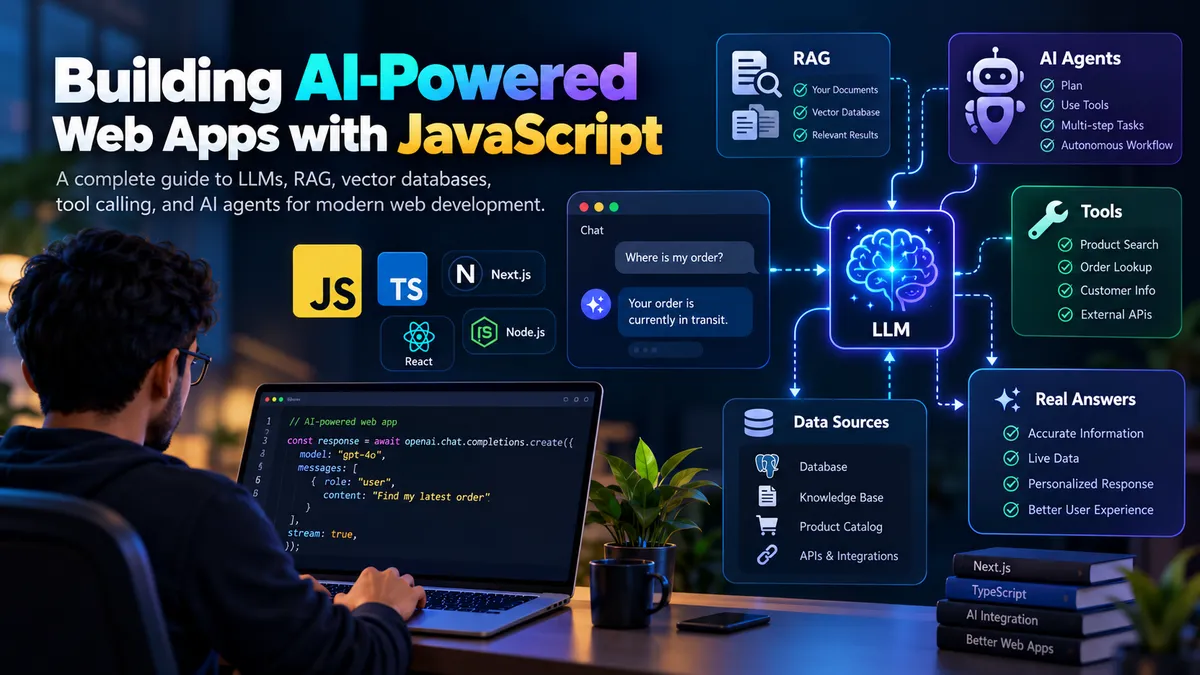
Building AI-Powered Web Apps with JavaScript in 2026
Learn how modern JavaScript applications integrate AI using LLMs, streaming responses, RAG, vector databases, tool calling, and AI agents.
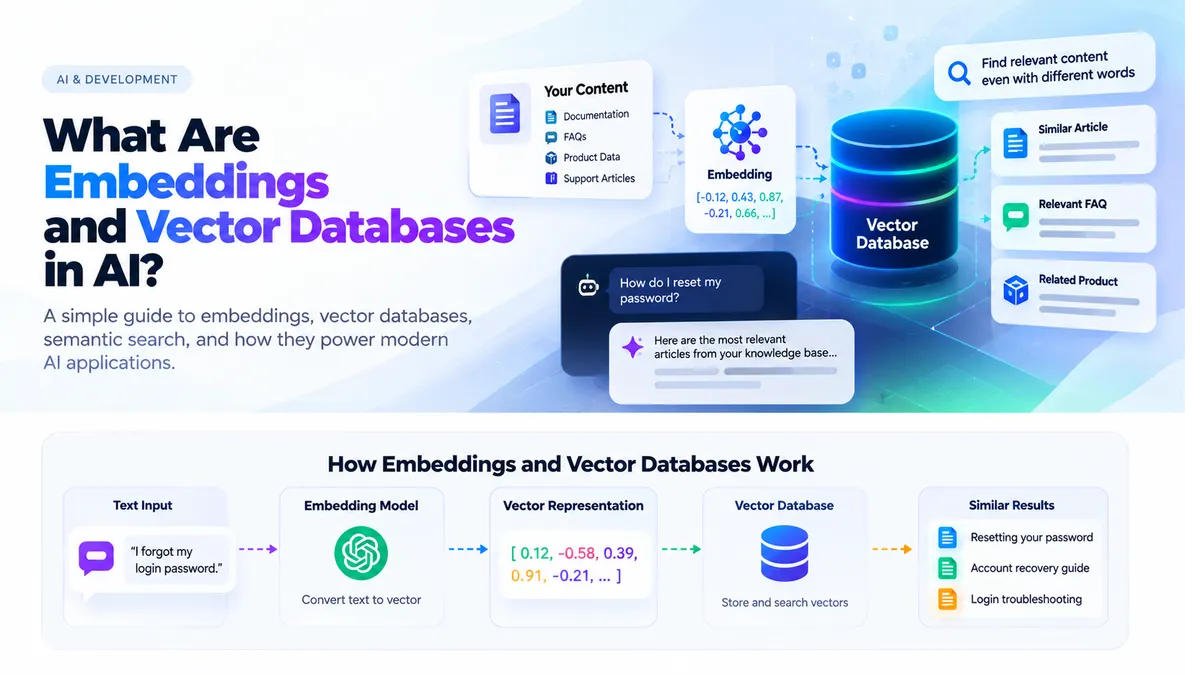
What Are Embeddings and Vector Databases in AI?
Learn how embeddings and vector databases help AI applications understand meaning, perform semantic search, and power modern RAG systems.